
How does a 1-time completion user interact with Catalyst?
First, it is important to understand who 1-time completion users might be.
This type of user account has been designed for individuals who will infrequently need to complete a task.
These people may be senior managers within your organisation, or they may be individuals from third party organisations who are asked to provide specific information or advanced/specialist subject matter.
How 1-time completion users interact with Catalyst
No login is required. They do not log in and have no direct interaction with the system. If they are assigned to a task, they will be notified by email.
Although 1-time completion users do not log in, they must have an account in your system. This is created in the same way as for any other user, but the account type is 1-time completion, as shown below:
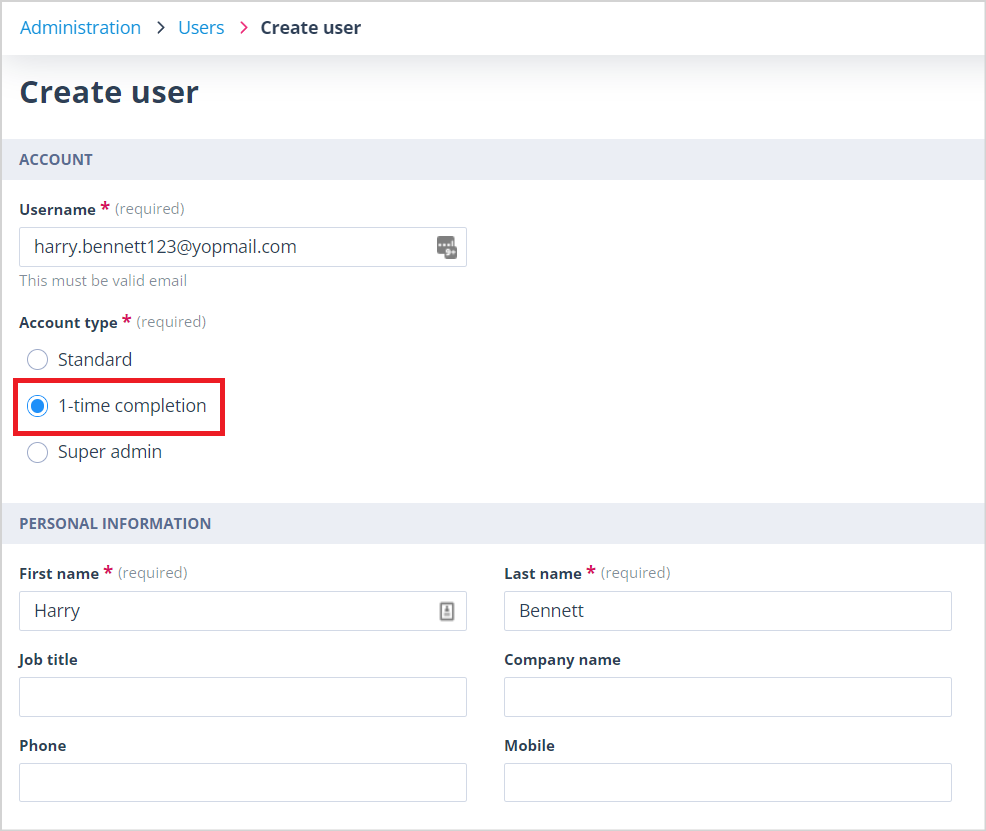
The user will have no knowledge of the account and no indication that an account has been created for them. They are not sent the account creation email which users with a Super admin account receive.
Task assignment email. When a 1-time completion user has been assigned a task, they will receive an email as shown below. The email will contain a link to the task.
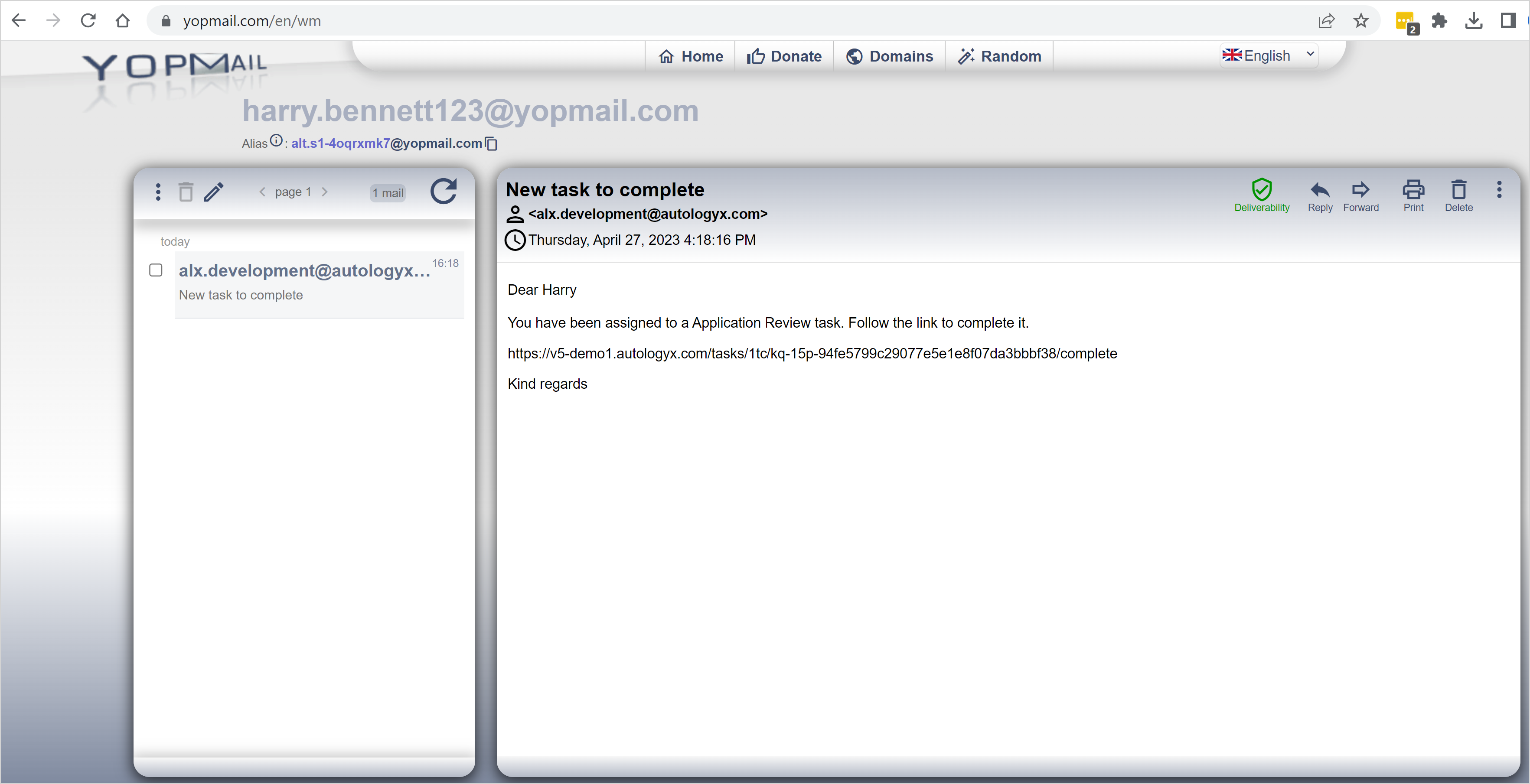
When the link is clicked, the task will open in a new window in their browser.
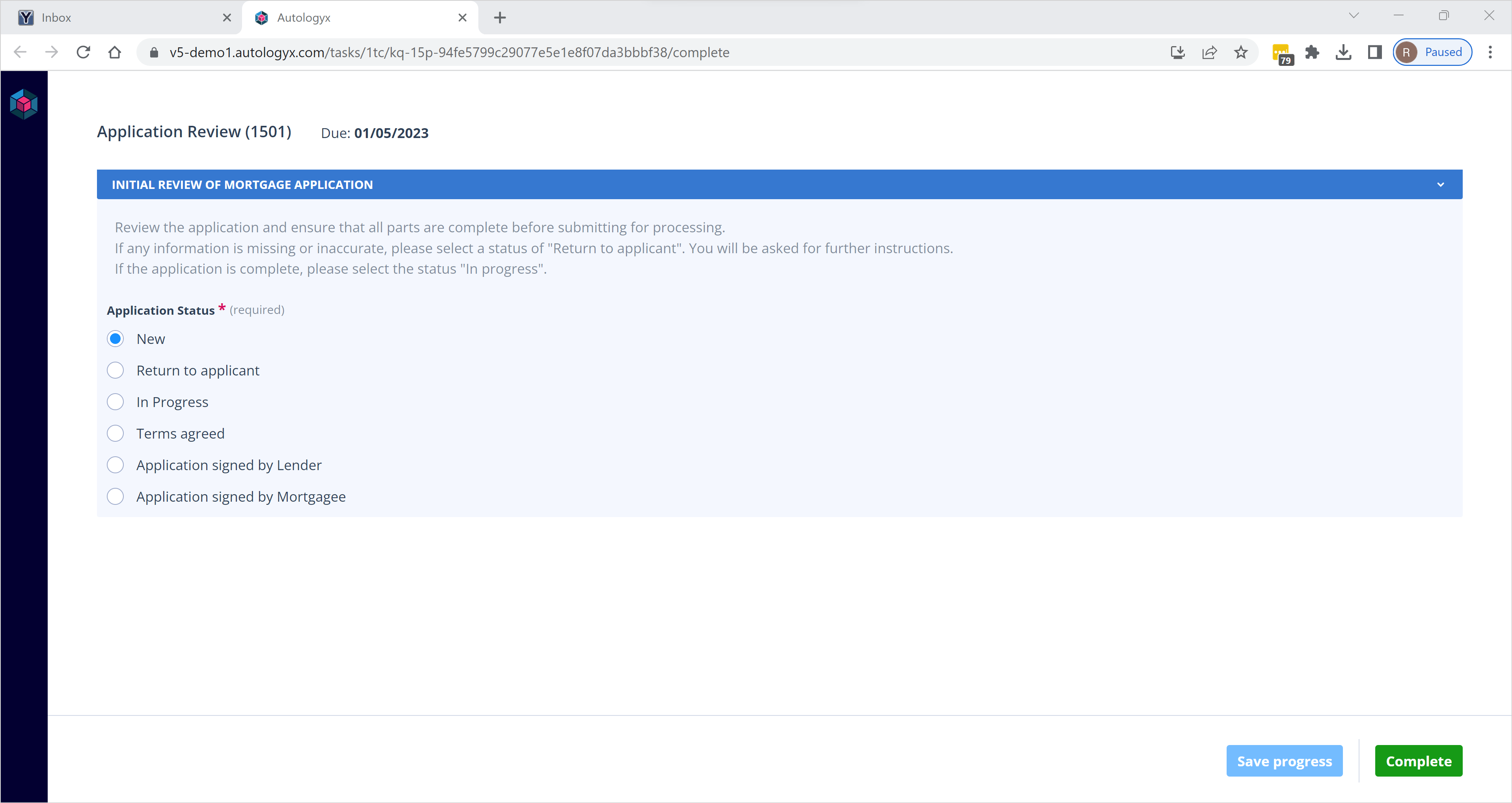
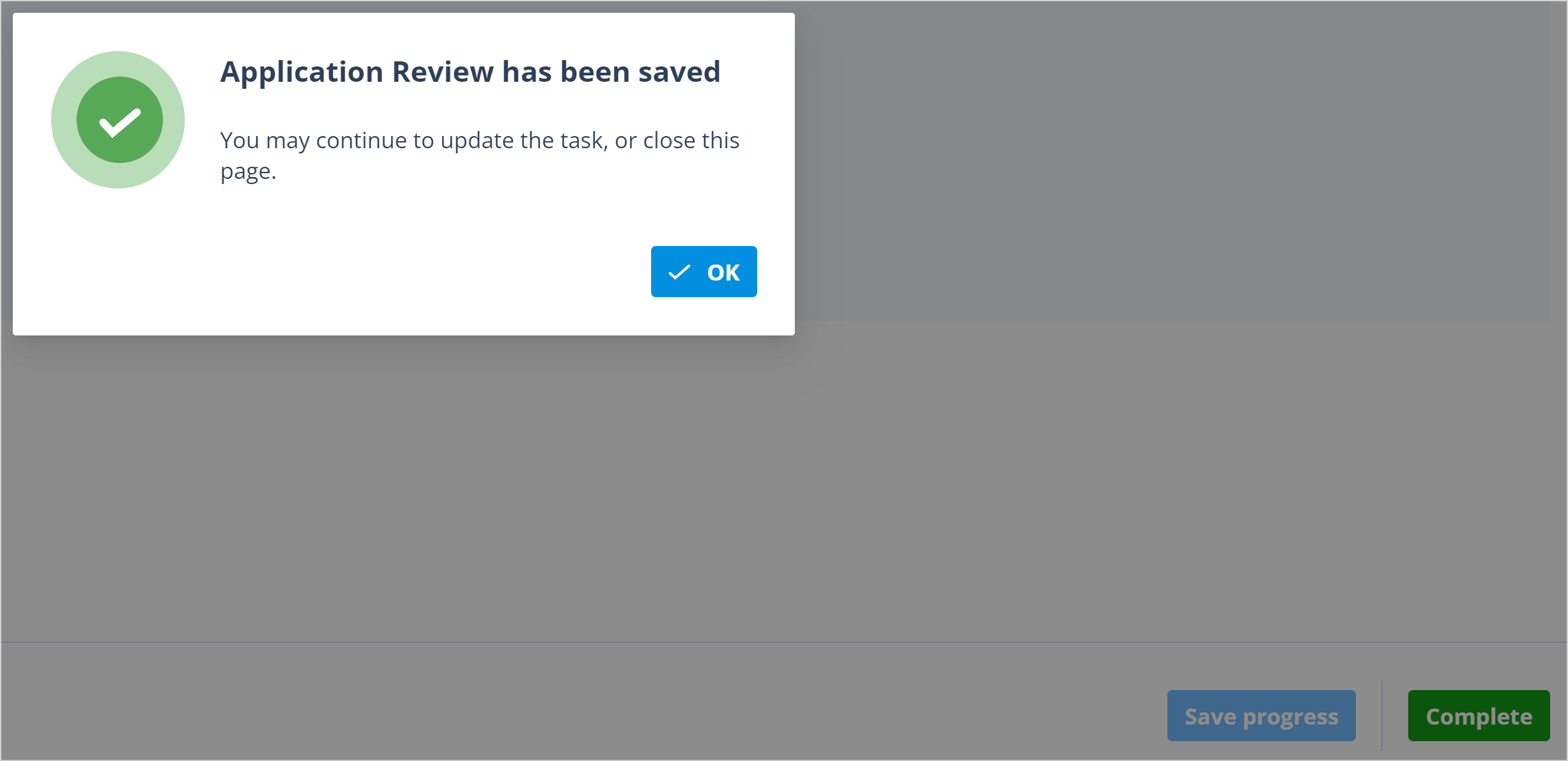
Saving progress. The user can part-complete the task, then click the "Save progress" button if they are not able to finish the task in one go.
Saving of the task will be confirmed on-screen. The user will be able to open the task later from the link in the original email.
Completing the task. When they have finished the task, the user must click the "Complete" button. The Complete button will only be enabled when all mandatory fields in the task have been completed.
Until this is done, the Complete button will remain disabled and, when hovered over, the tooltip will advise that "Mandatory fields are not complete".

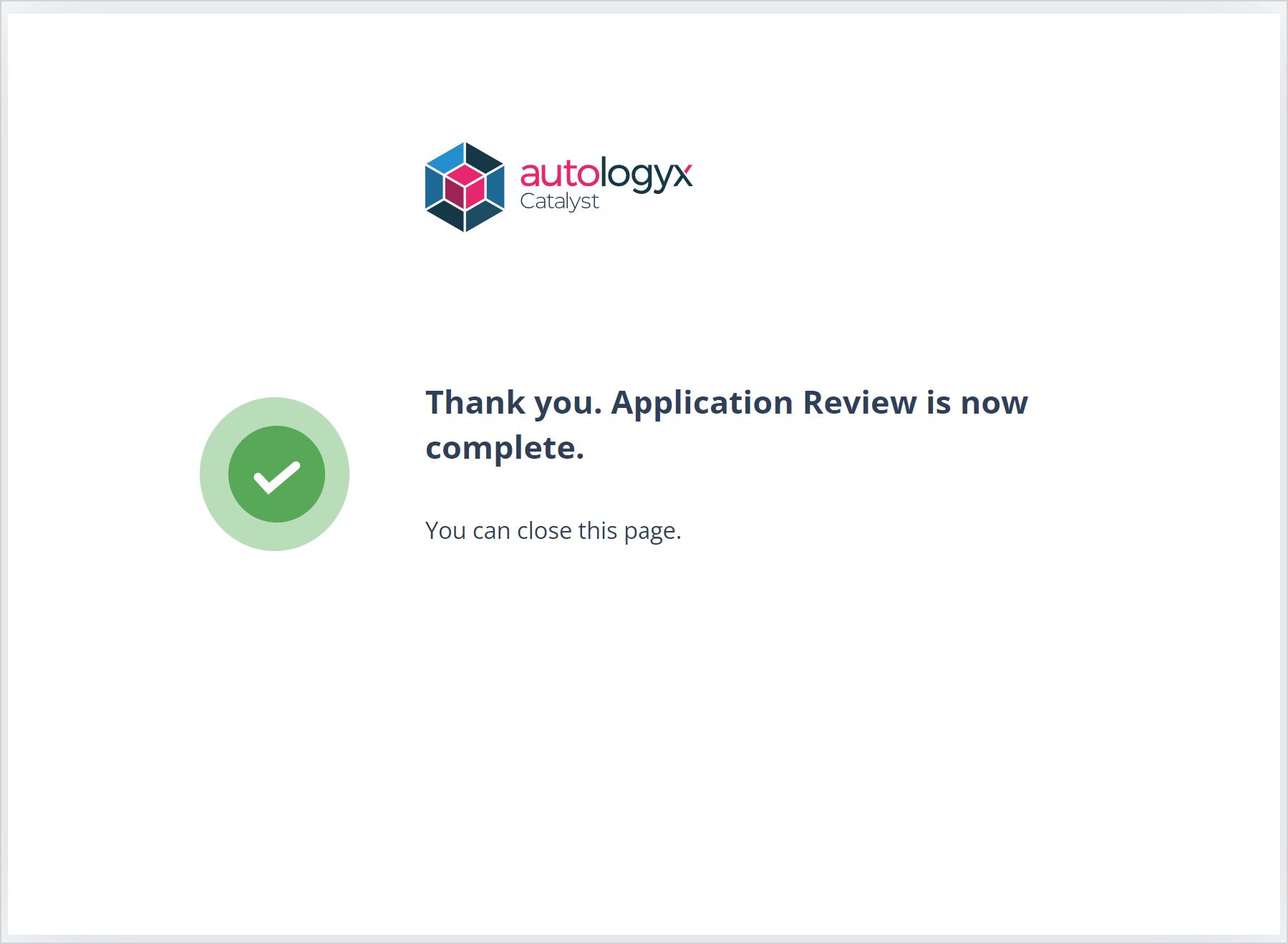
When the task is completed, the on-screen confirmation will be shown as below:
If the task link is no longer valid
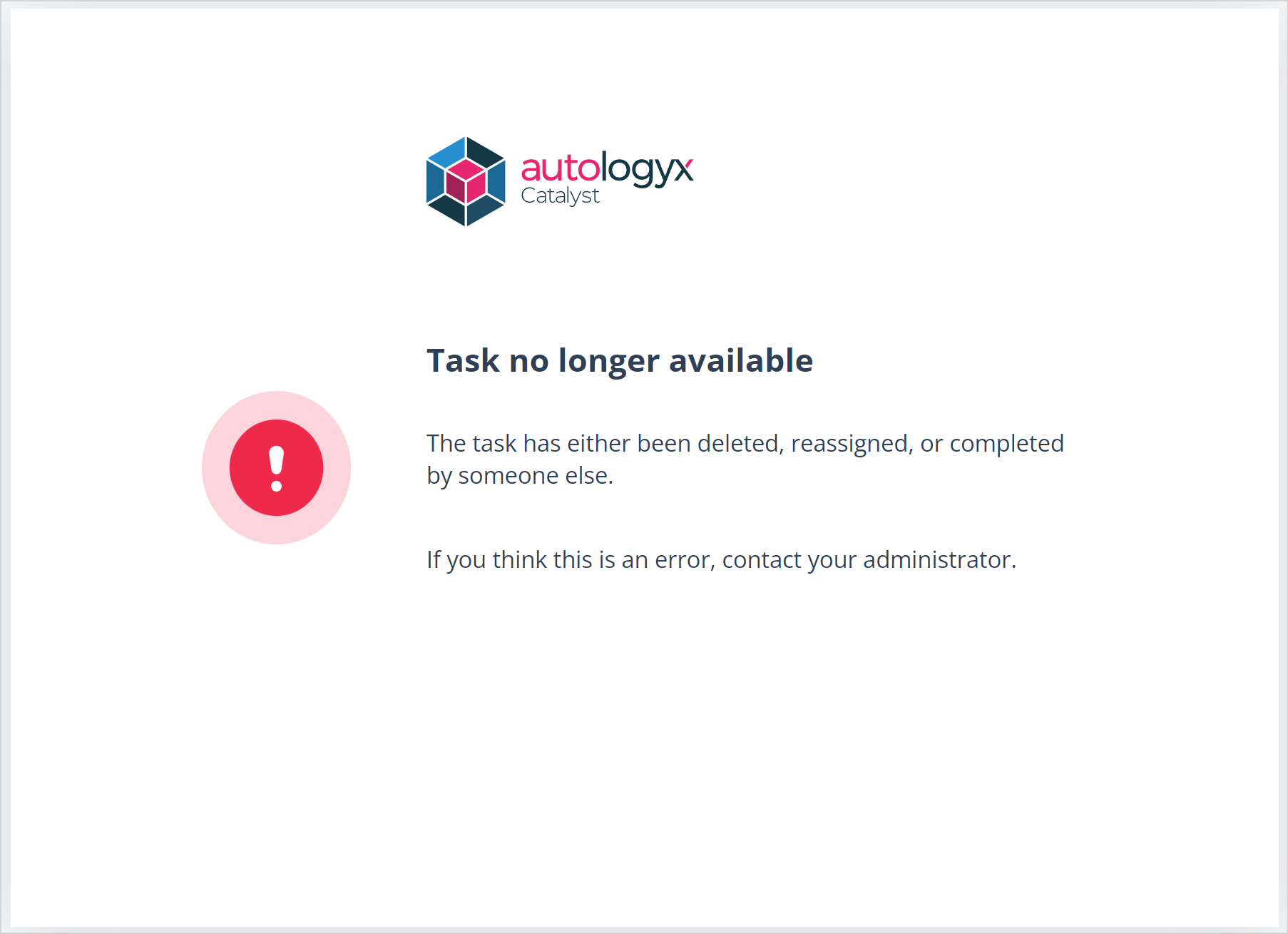
If the 1-time completion user clicks on a link in an email for a task which is:
- overdue (because it is beyond the due date set when the task was created)
- already completed by them
- completed by another user
- reassigned to another user
- deleted
They will be shown the following message:
Useful info
The link to a task in the email notification will remain active as follows:
- If a due date has been set and the task has not been completed by this date, the status of the task will become "Overdue" and the link will no longer be active.
- If a due date has not been set, the link to the task will remain active until it is completed.