
What happens if I edit a role?
Roles can be edited from the Roles list by:
- selecting Edit from the Actions menu
- double-clicking the role row
Only users with a Super Admin account type can create and edit users and roles.
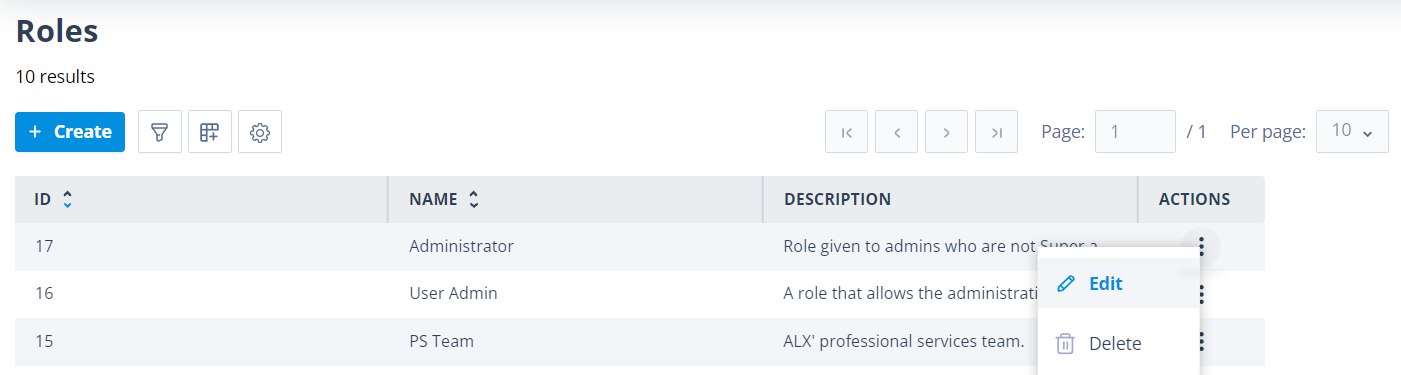
You can edit any part of the role page.
Important: Permission changes take effect immediately.
Create permission removed
If a user's role originally included Create permission and this permission is removed, the + Create button is removed from the relevant list page.
If the user still has Edit or Delete permission, they can still access the list page and use the remaining permitted actions.
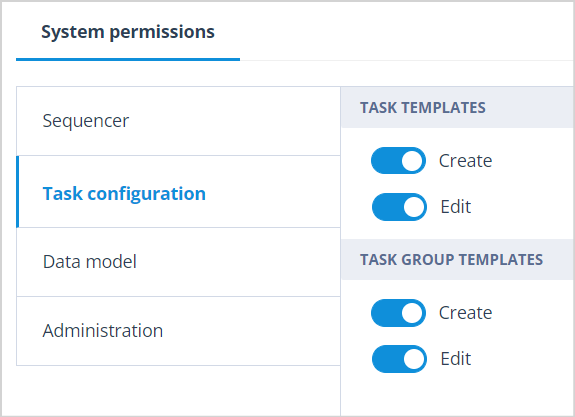
In the example below, Task Templates has Create and Edit enabled.
The user can:
- view the Task Templates list
- create new Task Templates
- edit existing Task Templates
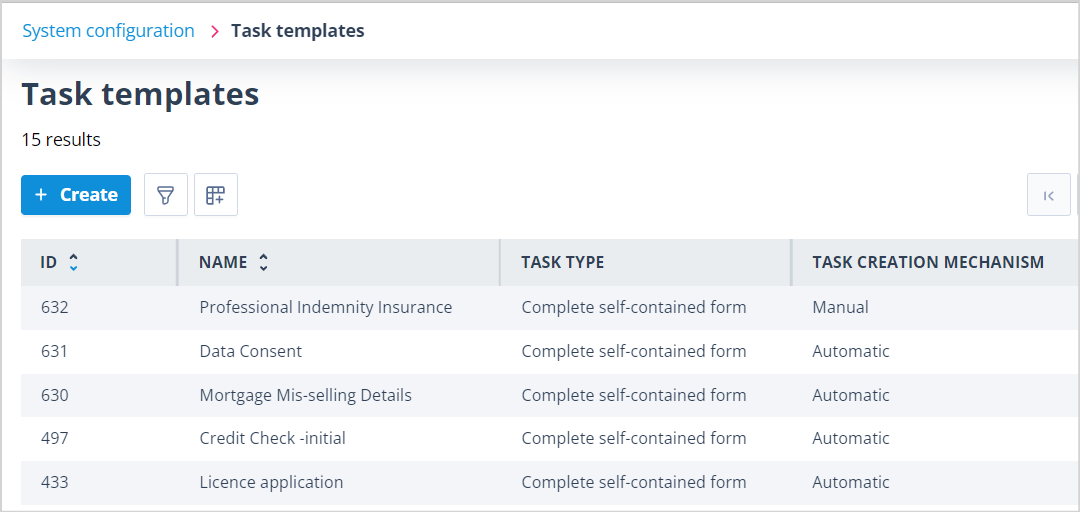
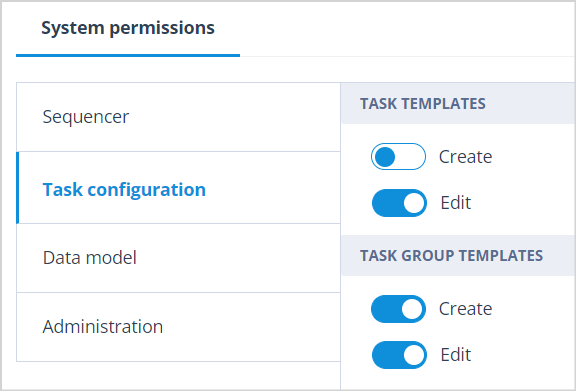
If Create is disabled but Edit remains enabled, the user can still view and edit existing Task Templates, but the + Create button is removed.
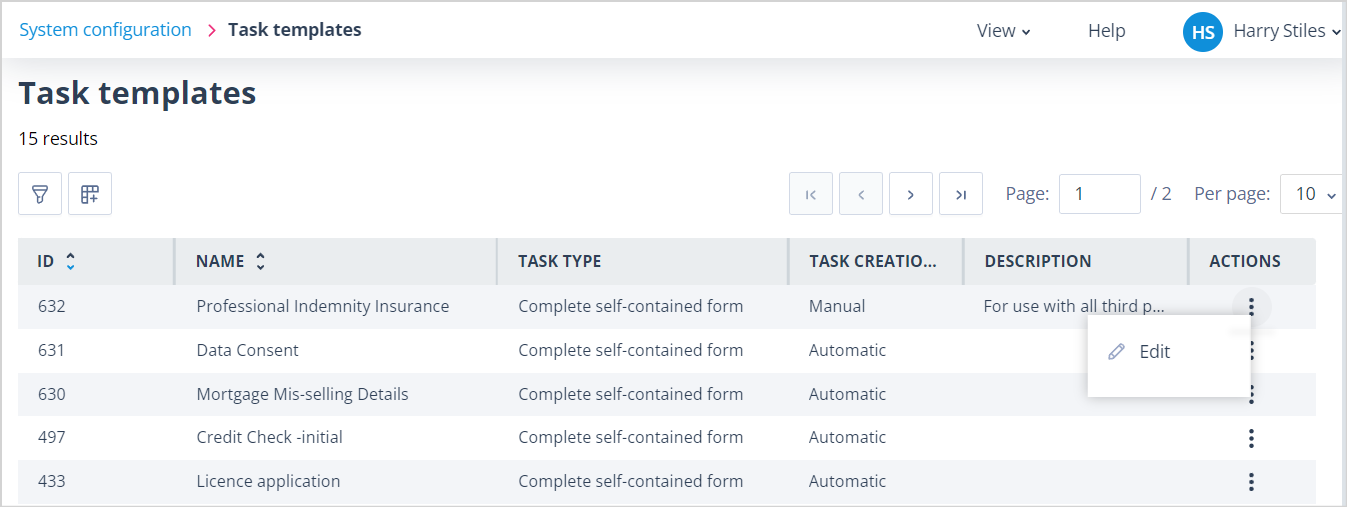
If the Create permission is removed while the user is creating an item, they will not be able to save it.
An onscreen error message will explain that their role permissions have been updated and the action is no longer permitted.
Edit permission removed
If a user's role originally included Edit permission, but not Create or Delete, and Edit is then disabled, the list page is usually removed from the left-hand menu.
The user will no longer have access to that area.
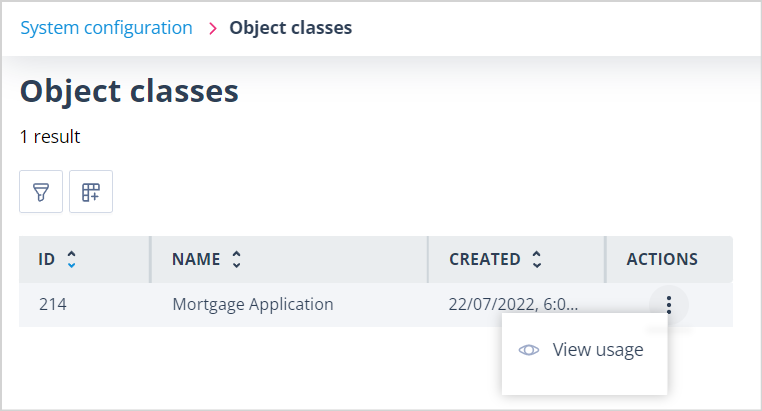
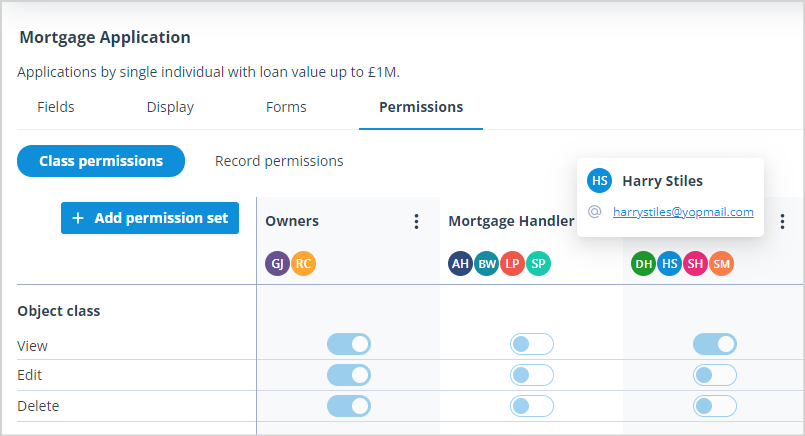
The exception is Object Classes. If the user has an Object Class Permission Set that allows them to view a specific Object Class, the list remains available but shows only the Object Classes they are permitted to see.
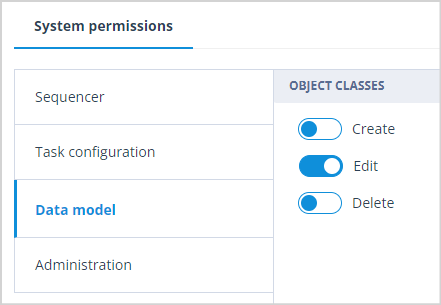
In the example below, Data model > Object Classes has Edit enabled.
The user can:
- view the Object Classes list
- edit existing Object Classes
- access the Object Classes area from the menu
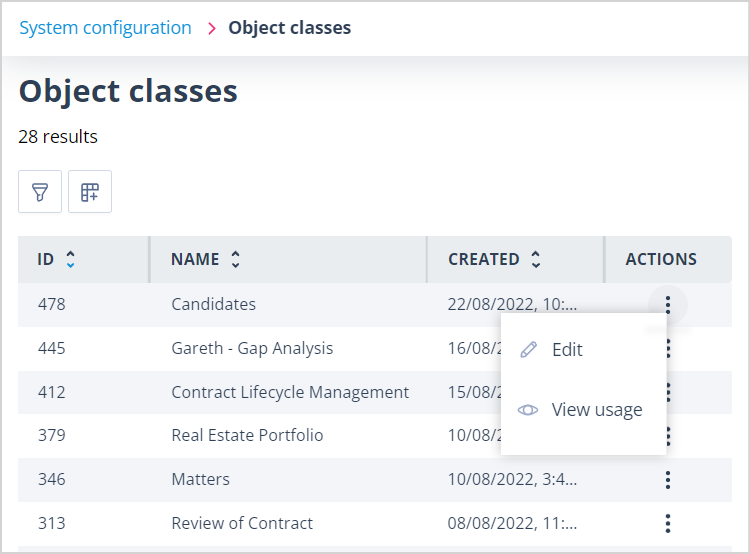
If Edit is disabled, the user can see only Object Classes where they have a separate Permission Set that allows access.
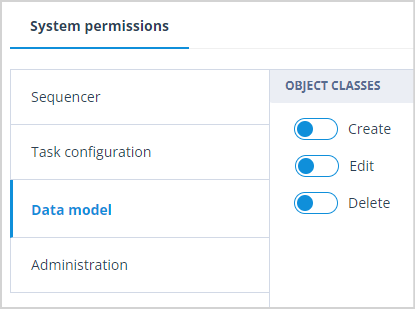
Delete permission removed
If a role originally included Delete permission but not Create or Edit, and Delete is then disabled, the list page is removed and the item no longer appears in the left-hand menu.
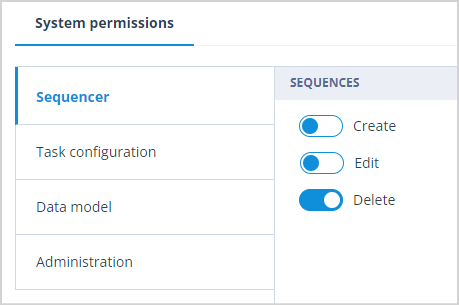
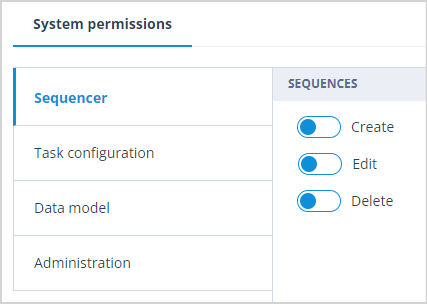
In the example below, Sequencer has Delete permission enabled.
The user can:
- view the Sequences list
- delete Sequences
They cannot create new Sequences or edit existing Sequences.
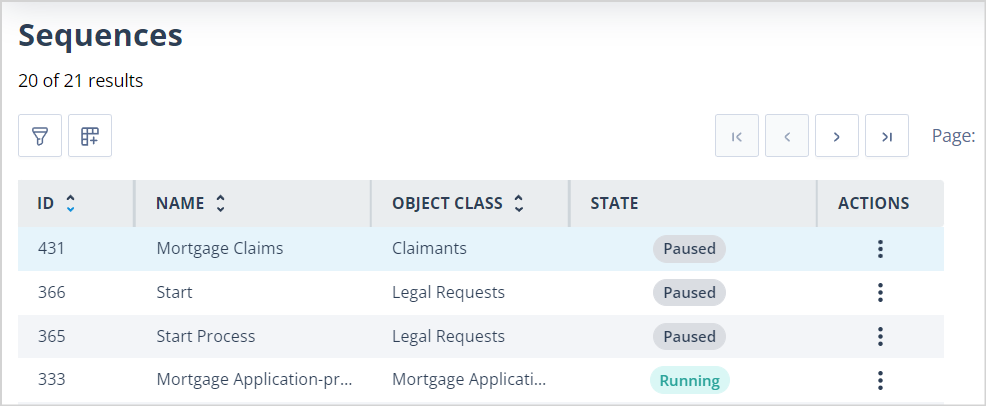
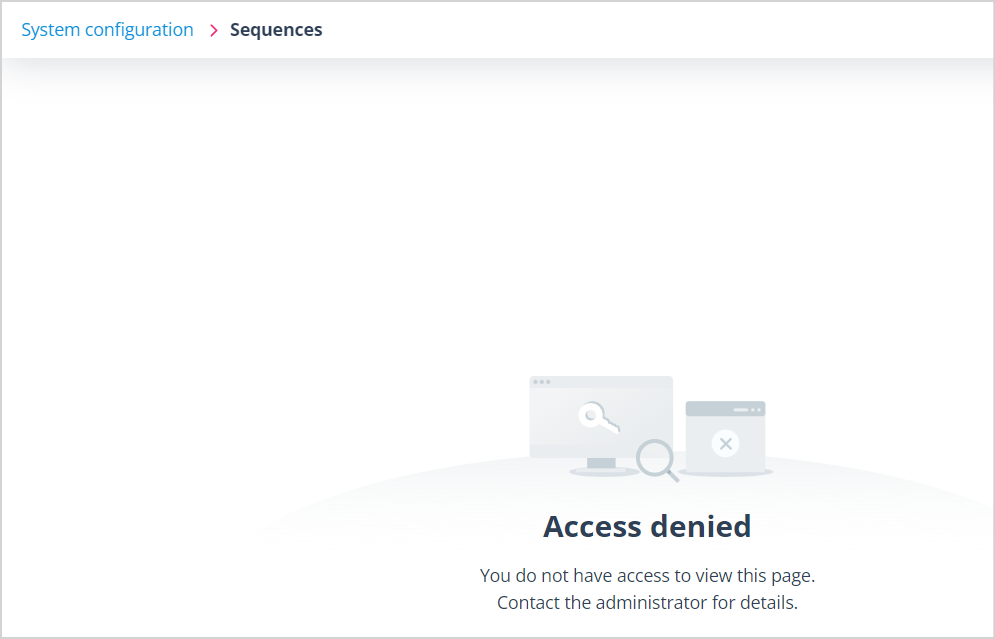
If Delete is disabled, the user loses access to the Sequences list.
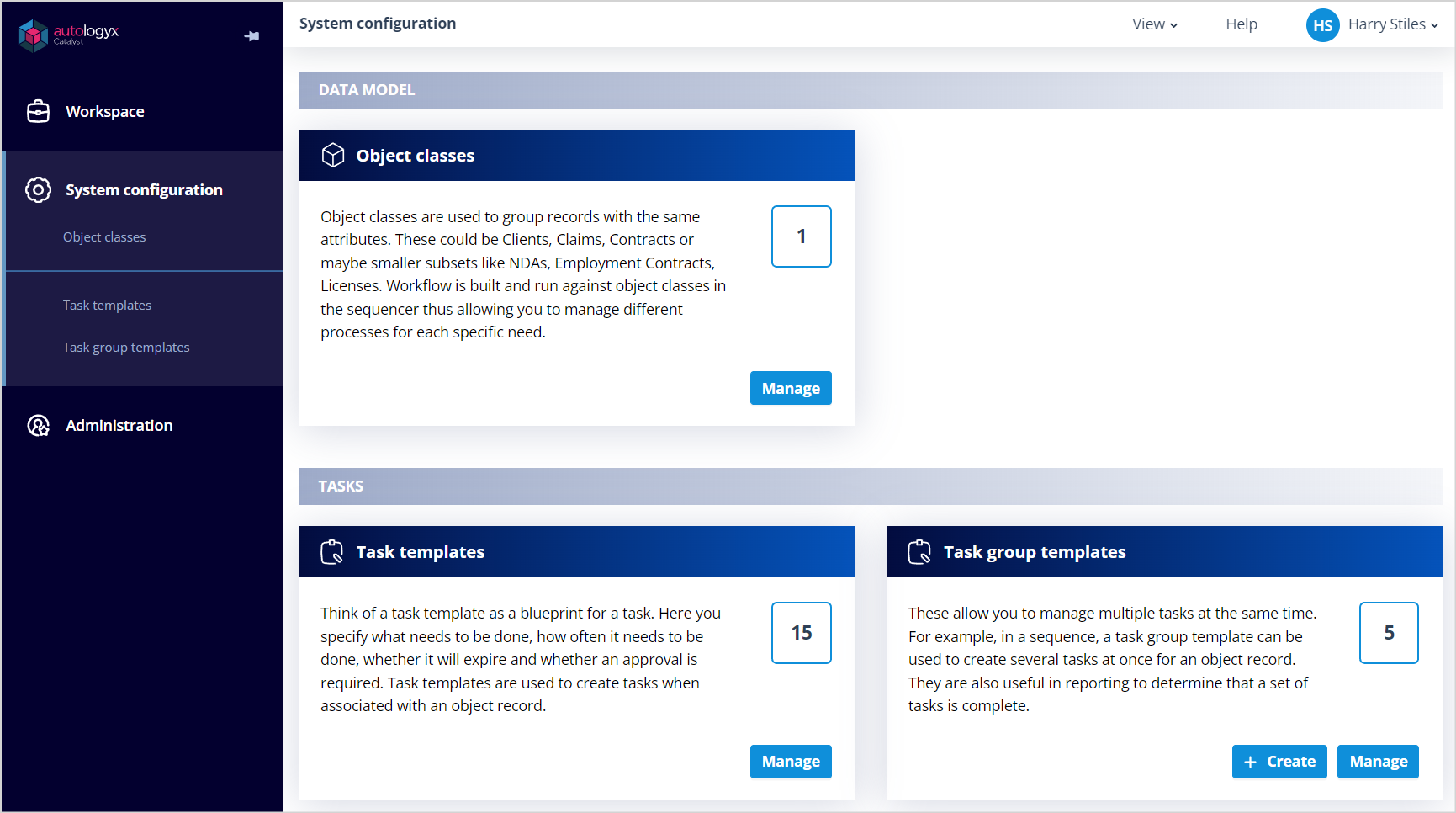
The Sequences option is removed from the menu. If the user attempts to access the page directly, an access denied message is displayed.
Things to remember
- Role permission changes take effect immediately.
- Removing Create removes the + Create button from the relevant list page.
- Removing Edit usually removes access to the list page unless another permission still grants access.
- Removing Delete removes delete access and may remove the list page if no other permissions remain.
- Object Classes can still appear if the user has separate Object Class permissions.
- The maximum number of Roles your system can have is 5,000.