
What's in My account?
Click your name in the top right-hand corner to reveal your "My account" page and the Log out option.
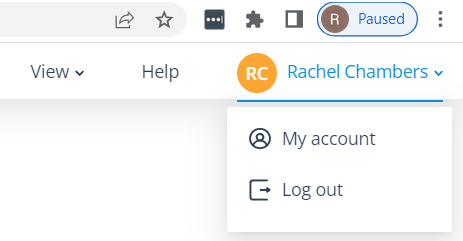
When you go into My account, you'll see your Avatar, your first and last name, and your username (email address) in brackets at the top of the page.
Tabs
Below this are 3 tabs:
My account
Here, your Username is repeated.
A section called Personal Information follows. The details here are populated from your User account.
If you amend these details, the changes will be saved here and written back to your User account.
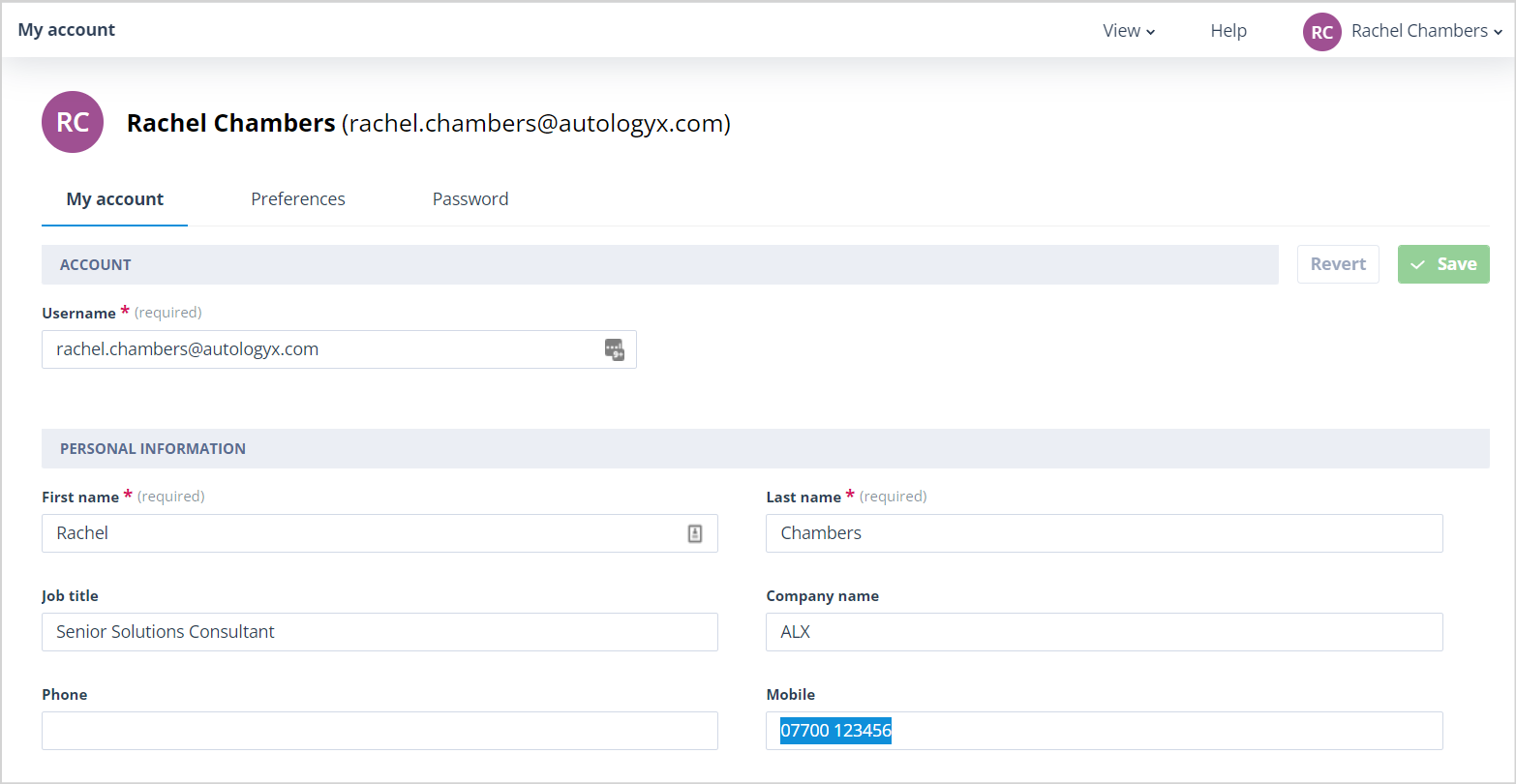
Likewise, if a User with a Super Admin account type edits the information in your User account, the changes will be reflected in your My account tab.
Preferences
Here you can define options for your view of the application.
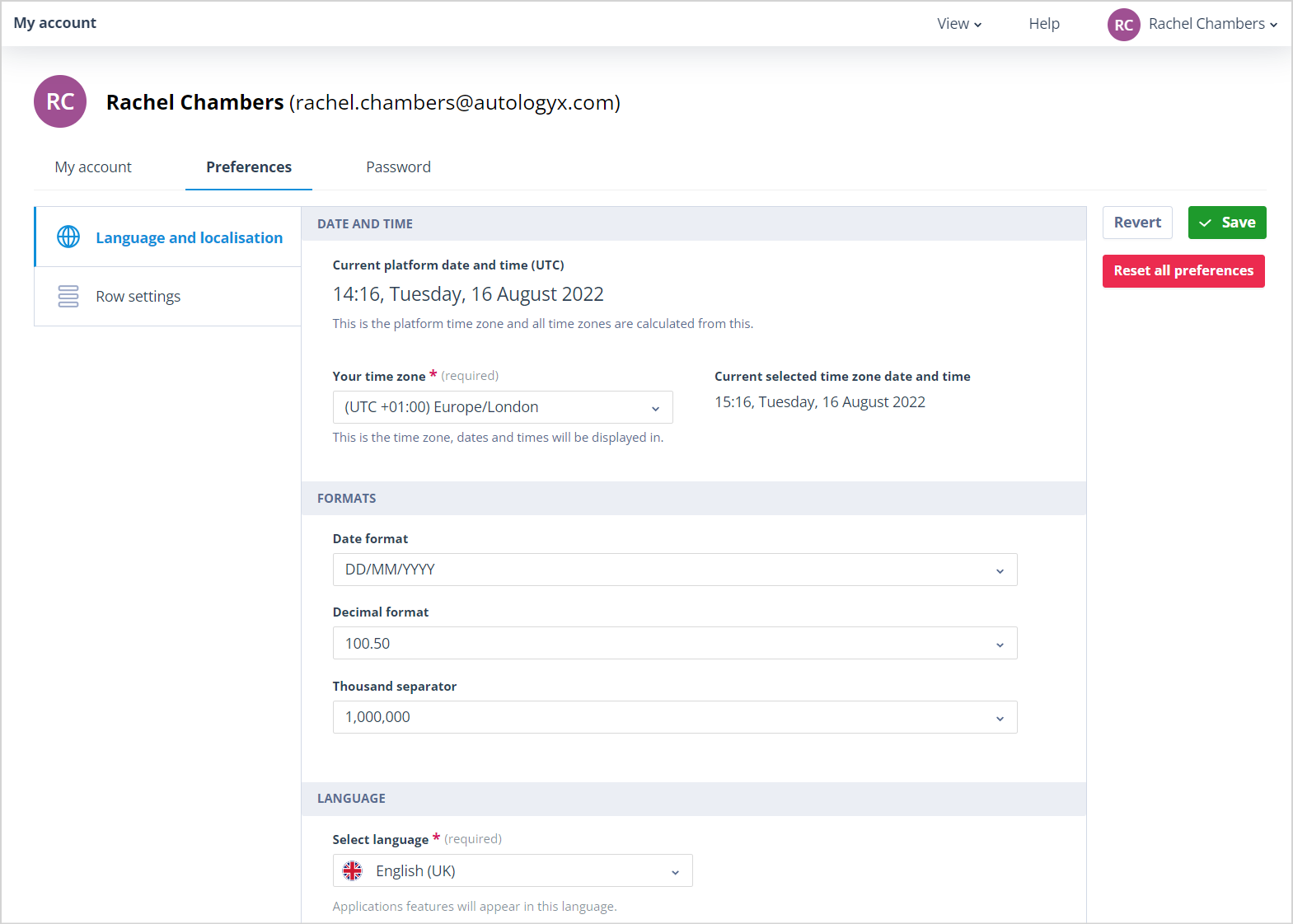
Language and localisation
Under the Language and localisation tab, you can:
- set your time zone
- select the date format, decimal format and thousand separator format to be used in date and numeric fields throughout the system
- select the required language for your system
Row settings
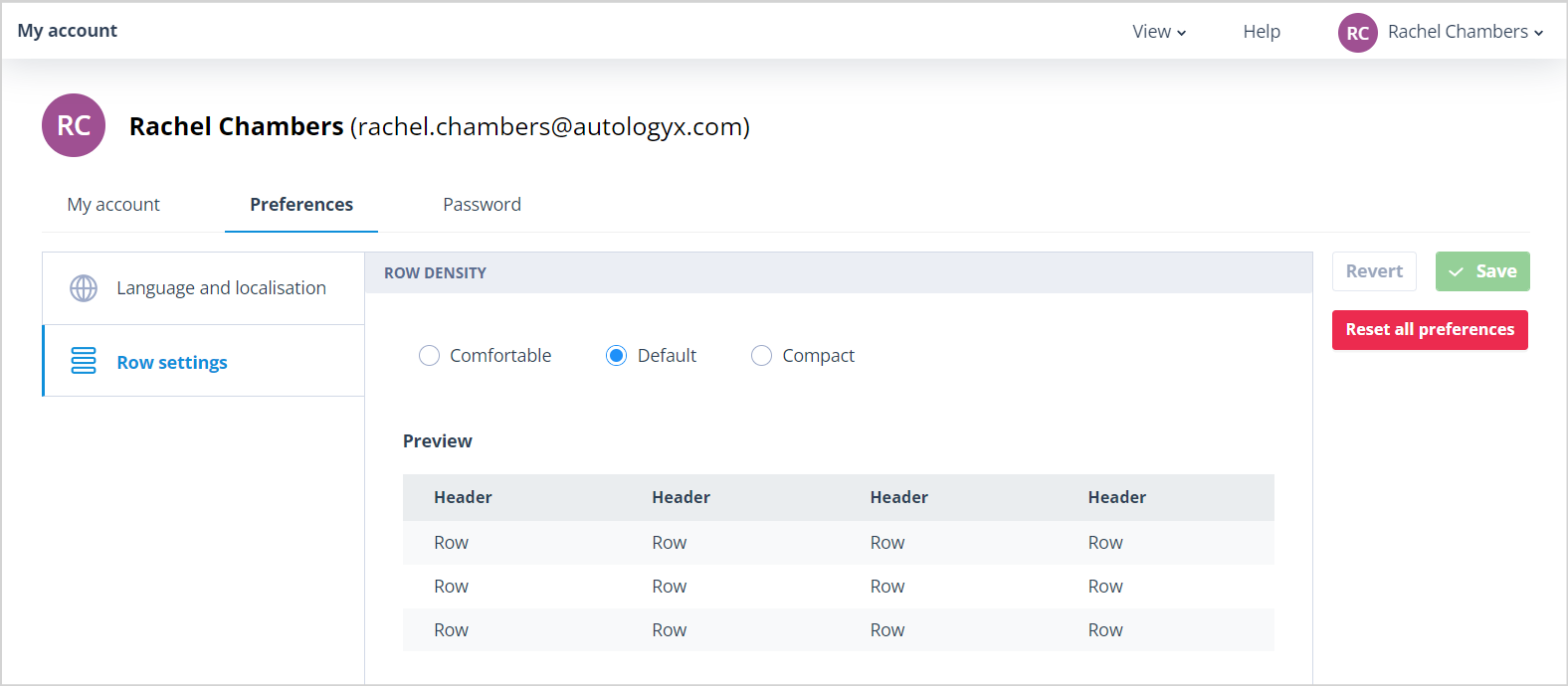
Under the Row settings tab, you can set the row density for all lists in your system.
Password
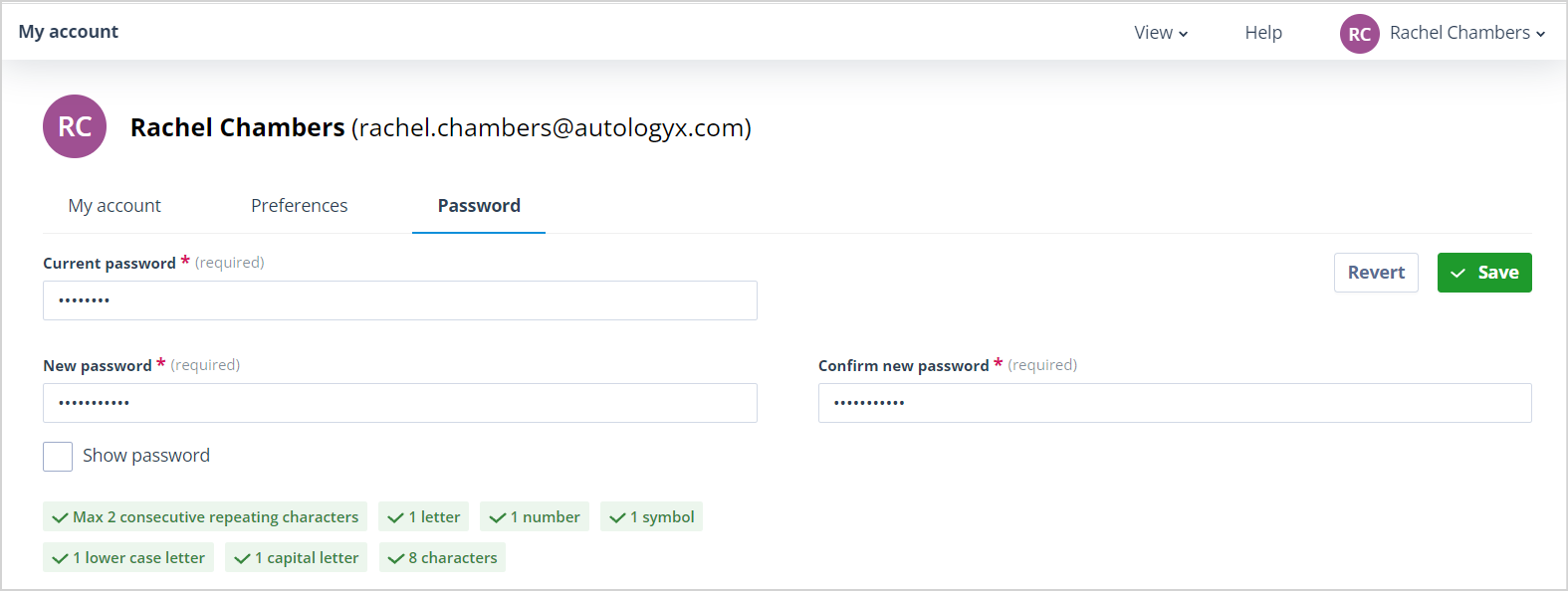
Here you can change your system password as often as you wish.
The password requirements are shown so that you can ensure your new password conforms to the password rules set in Standard authentication.
Useful info
- Only Users with a Super admin or Standard account type will have a "My account" page.
- All Preferences settings are global.