
User Experience & Interface Improvements
Introducing Markdown
With the growing adoption of AI-powered workflows, we’ve enhanced text fields to give you greater flexibility in how content is created and displayed.
You can now choose to display text fields as Markdown, rather than being limited to standard single or multiline formats.
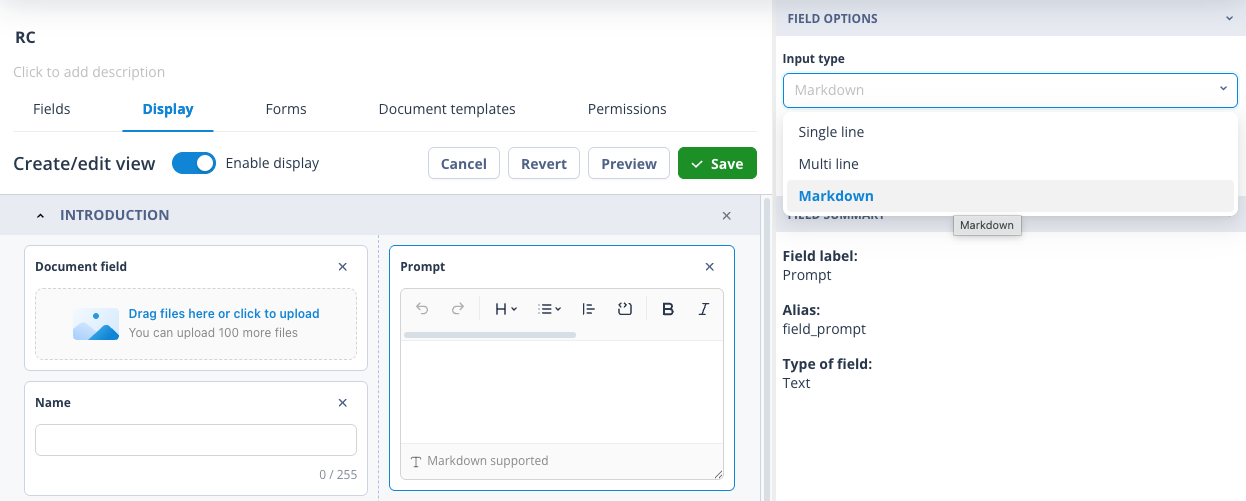
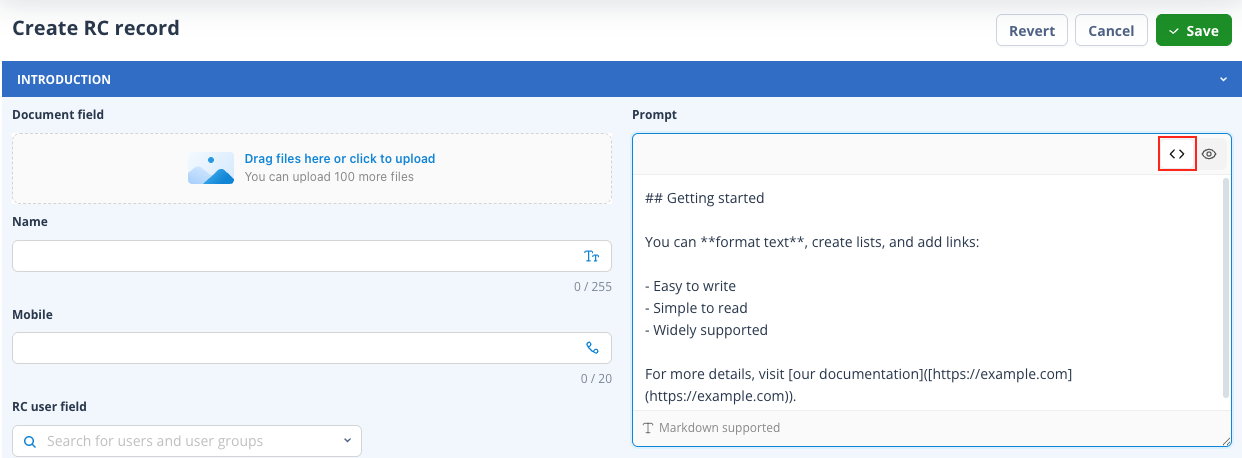
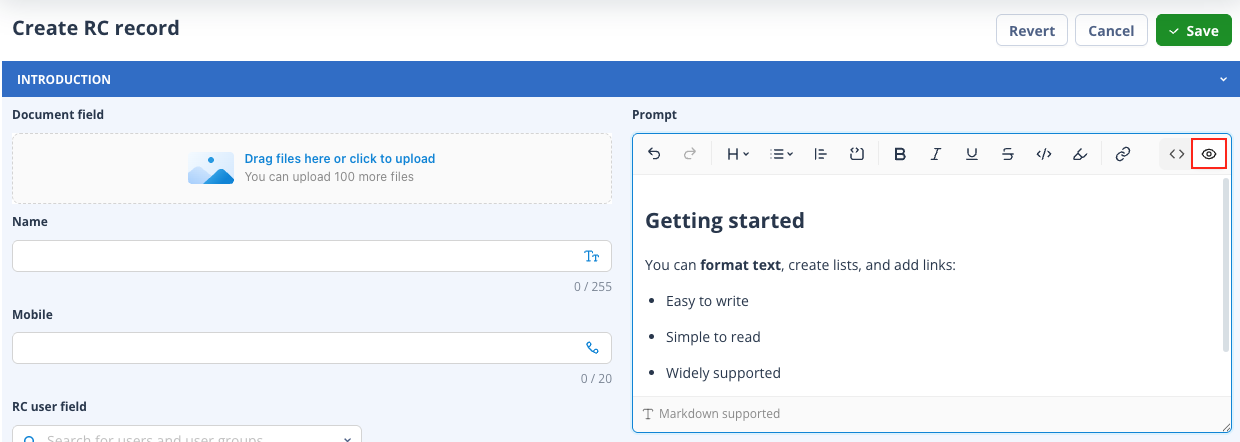
When working in create/edit record forms or task forms, Markdown content can be viewed in two ways, depending on your needs:
- As source code — ideal for editing and maintaining structure
- As beautifully rendered text — making content easier to read and consume
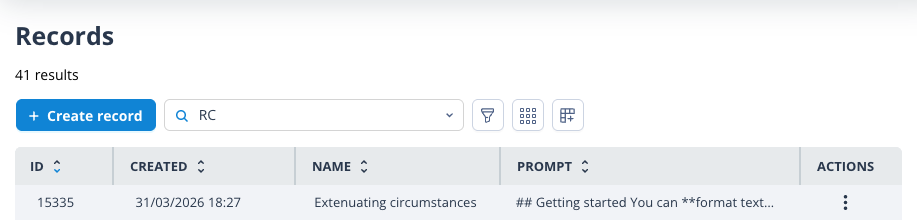
Across the rest of the platform, such as when Markdown fields are used in record list columns, the content will default to displaying the source code.
Improved form usability
We’ve made several enhancements to form layouts to improve readability and create a more seamless editing experience.
More space for content
Multiline and Markdown textboxes for text and JSON fields in the Create/Edit record form now expand to the full width of their containing column, giving you more space to view and work with your content.
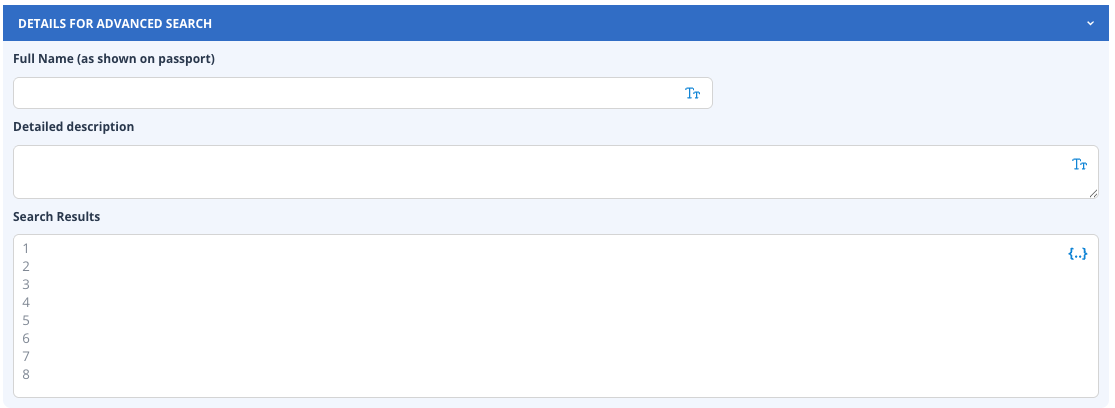
Single-line text fields remain unchanged, ensuring consistency where it matters.
Automatic height adjustment
To further enhance usability, Multiline and Markdown fields now automatically adjust their height to fit content—supporting up to 500 lines—so you can focus on your data without unnecessary scrolling.
Refined UI consistency
We’ve standardised UI components across the platform, creating a more cohesive and polished look and feel throughout your experience.