
Who can create a relational model?
Users with a Super admin account type can create and edit the relational model. These users automatically have access to all areas of the system.
Choosing the account type
The account type is chosen when creating a user, as below:
As you will want to keep the super admin type of user to a minimum for security and data integrity purposes, a role permission is also available for create/edit relational model.
Role permission for create/edit relational model
This can be found in the Data model tab of System permissions when you create or edit a Role.
A role can be given to users with a standard account type so that they can access the relational modeller to create and edit this feature.
Restricted menu items
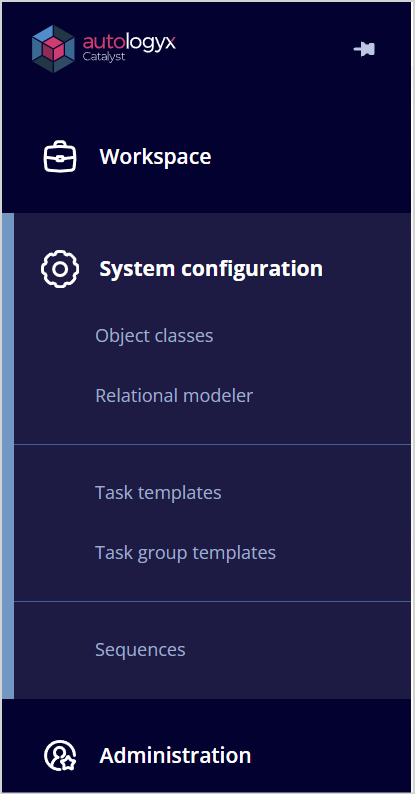
You will note, however, that the menu items under System configuration are restricted:
| User with super admin account type | User with standard account type and role allowing access to certain system areas including the relational modeller |
Please note: A user who has a role with the create/edit relational model permission enabled will also need the edit permission enabled for Object classes under the System permissions/Data Model tab. This will allow the user to select the required object classes for the model.