
Send Message Actor
What does the Send Message actor do?
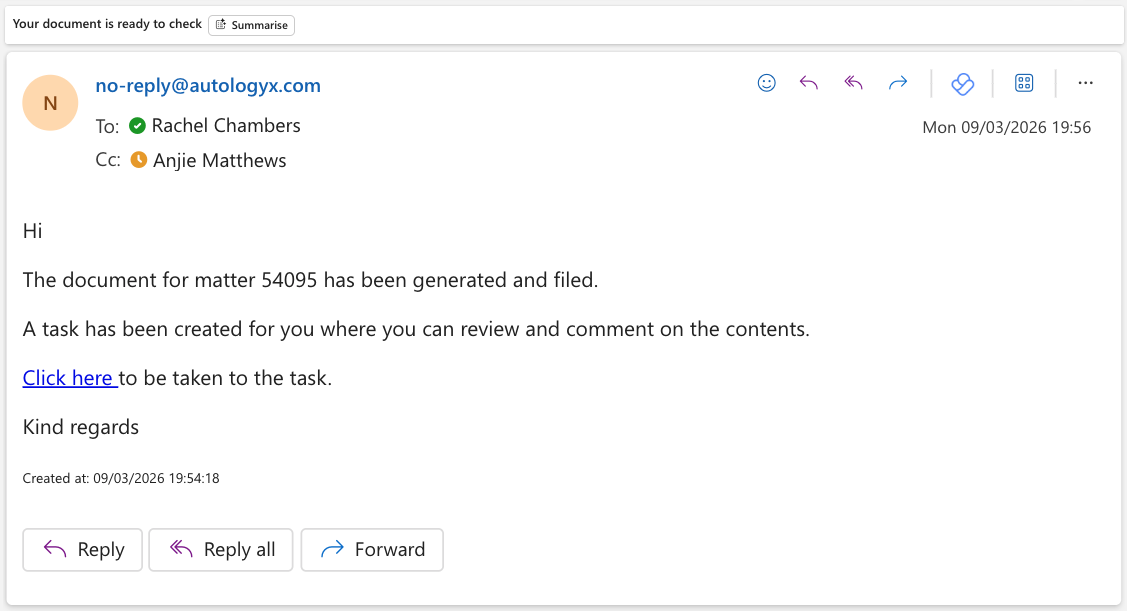
The Send Message actor can be used in a sequence to automatically send emails.
Messaging is an important part of any process to ensure that those involved are kept up to date, told when things need to be done, and are provided with relevant information when appropriate.
The Send Message actor can be configured to send bespoke emails at any point during the workflow.
The resulting email can be sent to one or a combination of the following:
- the record creator
- the record owner
- individual users
- user groups containing one or more users
- specified email addresses of people who do not have to be system users
- email addresses stored in fields on records
How do I use the Send Message actor?
Add the actor to your sequence
Drag and drop the Send Message actor onto your sequence.
Right click on the actor and select Configure.
Configure recipients and message content
Add the required recipients.
Note that you can add CC and BCC recipients if required.
Add your subject heading and text to the Message area.
Right click in the Subject and/or Message area to insert merged information from record fields, Constants and Variables.
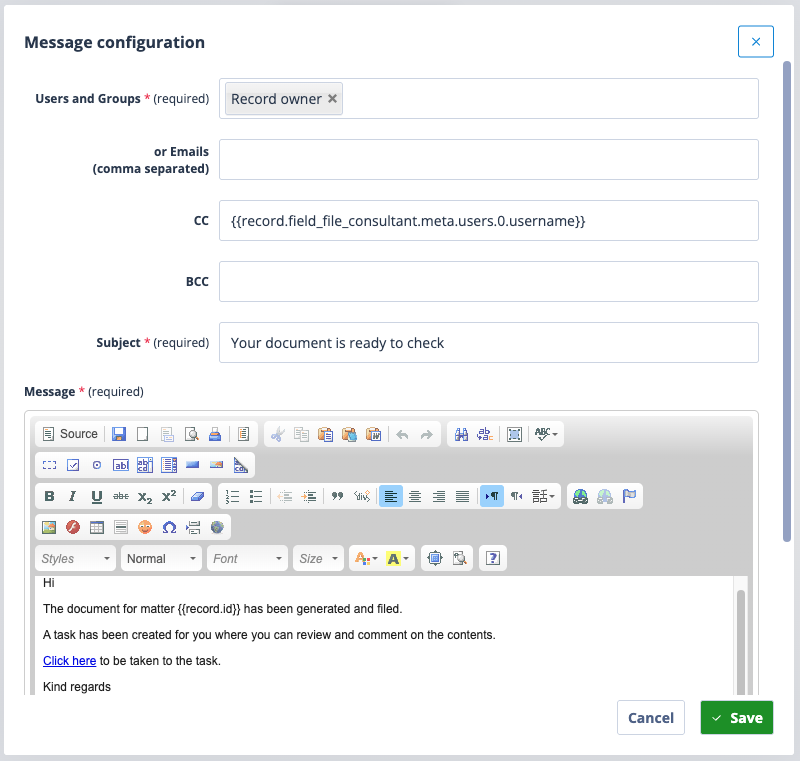
The editor will allow you to use formatting such as indenting, bold and bullets. Links can be added, images can be uploaded, and tables included in the Message body.
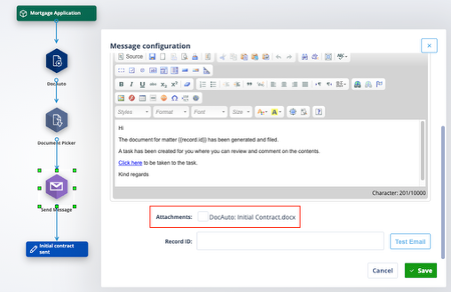
If the Send Message actor follows a document picker, you have the option to include the document as an attachment in the email.
Test the actor
To test the actor, find a record ID in the object class for which the sequence is being created; enter the record ID under the Message area.
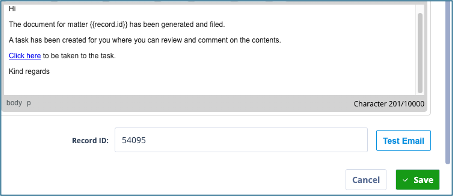
Click Test Email.
You will see a confirmation that the test message has been sent to your inbox. However, please be aware that the test message will not arrive in your inbox if either there is a syntax error or merge field error in the configuration eg missing curly brackets, missing endifs, etc OR your Outbound mail setup is not correctly configured.
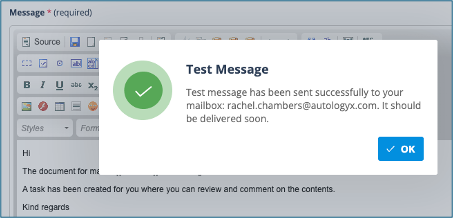
The test email will allow you to check that merge fields and any links you have included are working correctly.
Save your changes
Remember to save the email actor configuration and also save your sequence.
Autologyx Classification: Unrestricted, Public