
2. Setting up a free developer DocuSign account
If you are already a DocuSign customer, you will no doubt have a test environment in which to set up new document templates and test them out before switching them to your live account.
However, if you are not yet a DocuSign customer and want to try it out first, you can create a free developer account which you can use in your Catalyst dev environment.
Go to https://go.docusign.com/o/sandbox/
Complete the form
Complete the form shown below:
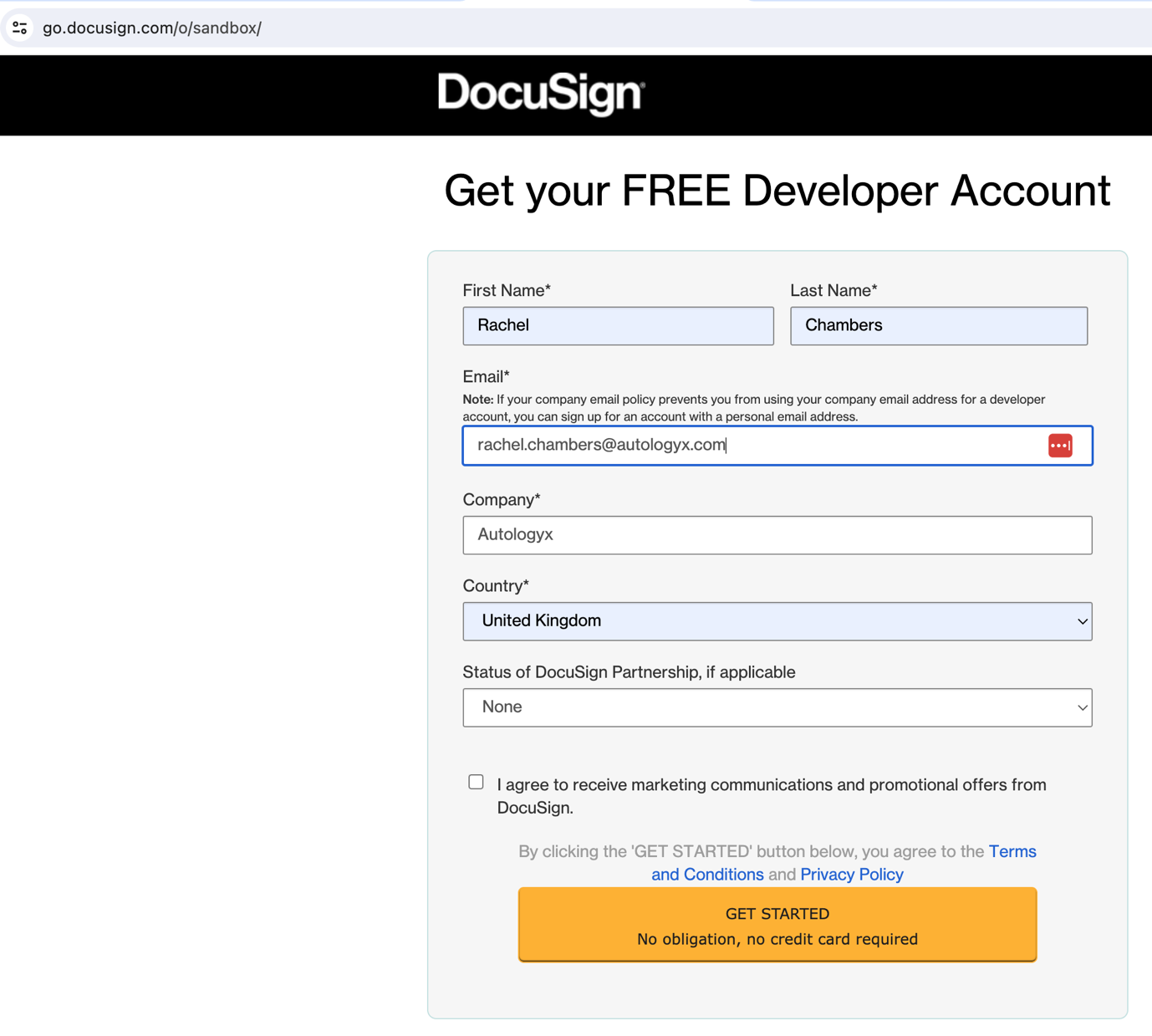
Click GET STARTED.
You will then see the screen below asking you to activate your account from an email.
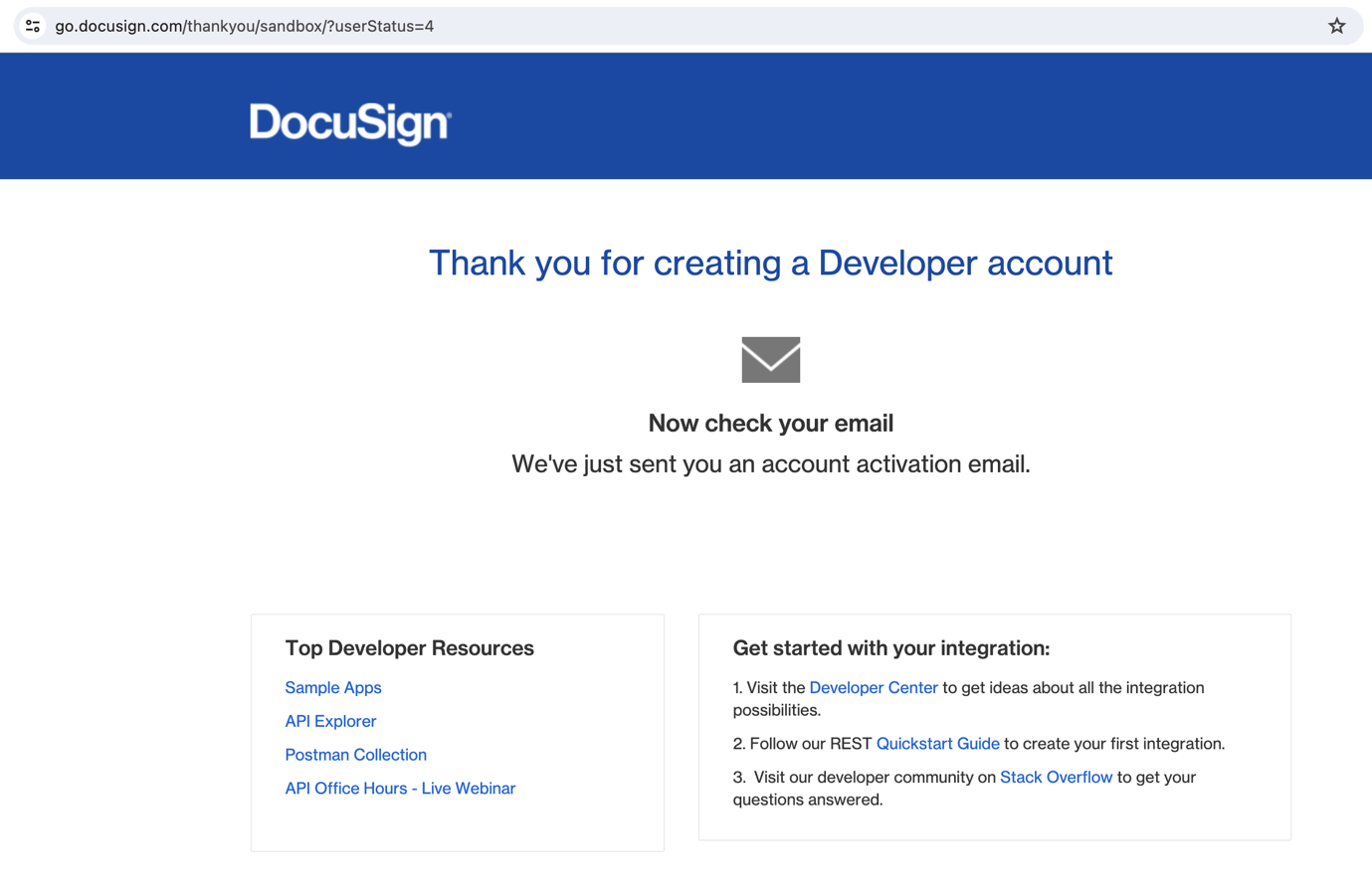
From the link in the email, you’ll need to choose a password and a password question/answer.
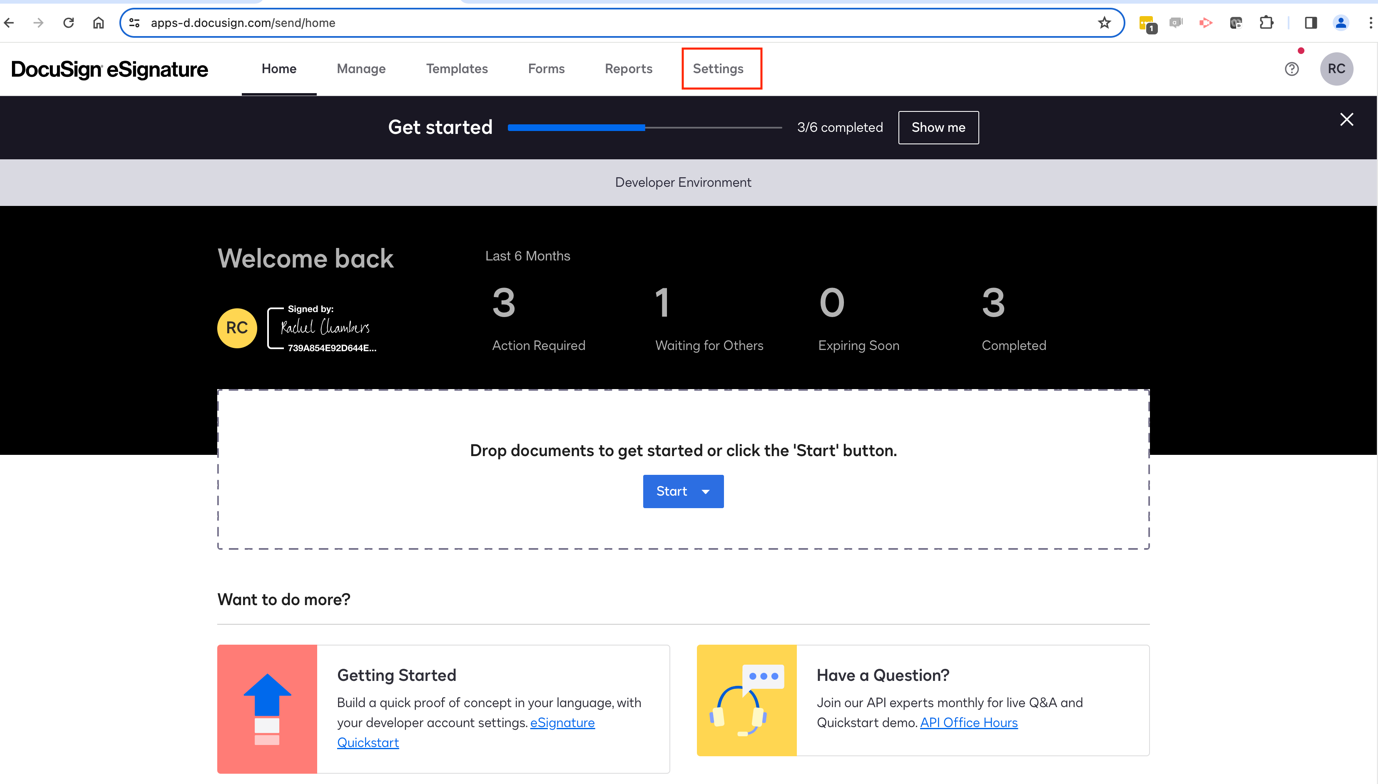
Once you are logged in, you’ll be taken to Home, which looks like this:
Find the account details
Click Settings in the top menu, then in the left-hand navigation menu go to Integrations / Apps and Keys.
Here you will find three key pieces of information:
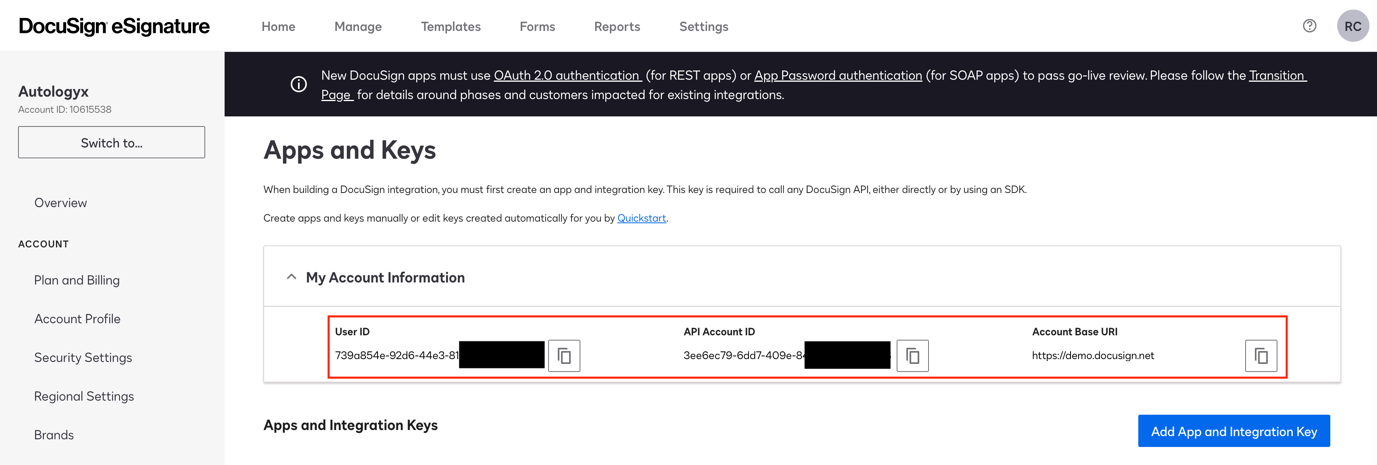
- User ID — needed when setting up a DocuSign Authentication Object (auth object) in Catalyst.
- API Account ID — needed as a suffix to the URL in API calls from Catalyst.
- Account Base URI — the starting point for the URL in API calls from Catalyst. https://demo.docusign.net
Next steps
The following articles explain how to:
[Set up an Authentication object for DocuSign](/knowledgebase/system-configuration/using-docusign-with-catalyst/3.-creating-an-authentication-object-for-use-with-docusign/)Configure an API call to create a DocuSign envelope
Useful info
Information for developers using DocuSign can be accessed here: https://developers.docusign.com/